Overview
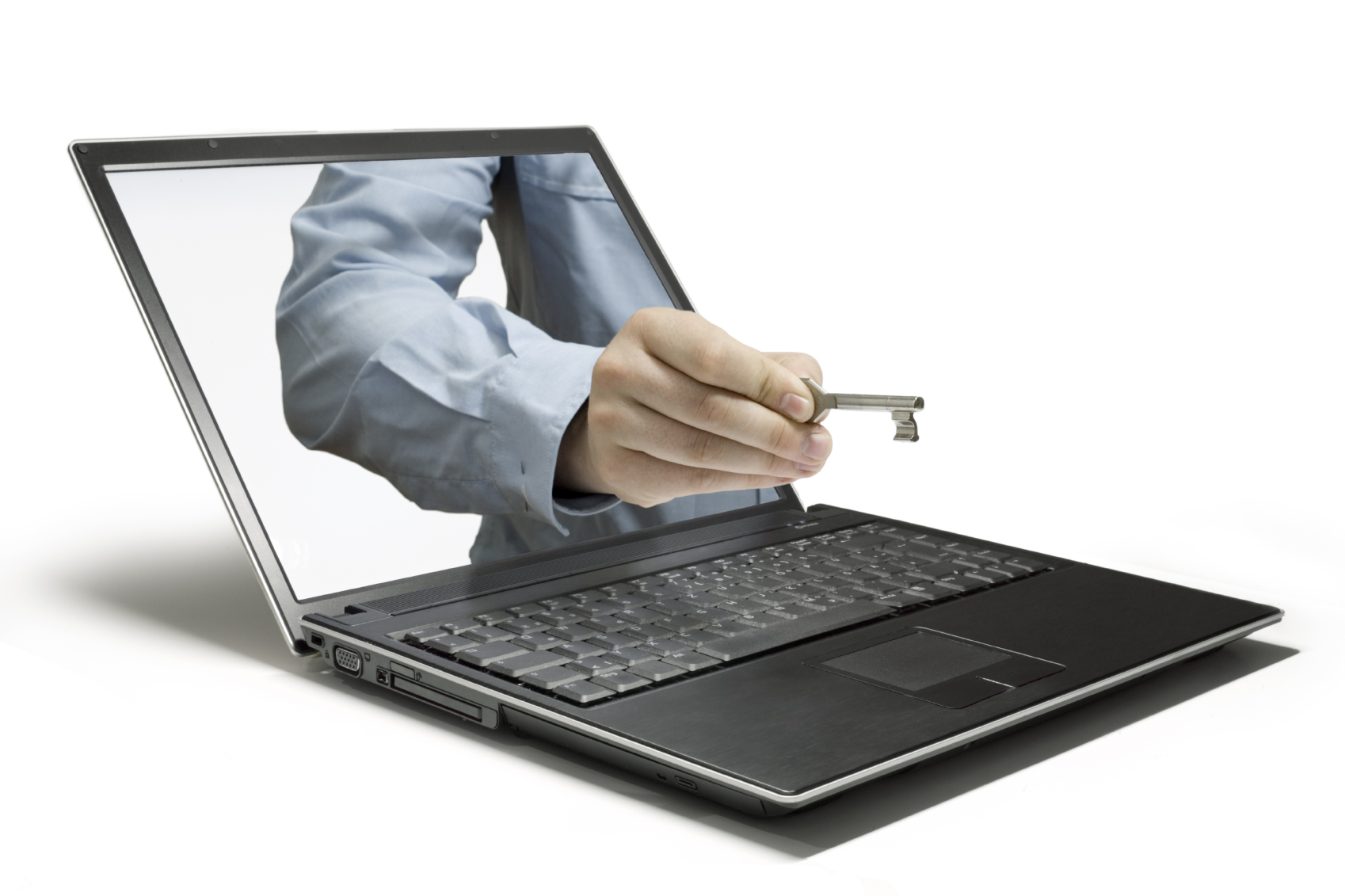 Business data includes both proprietary company records and sensitive customer information. Losing or exposing either type can harm reputation, disrupt operations, and lead to legal claims that insurance alone may not fully remedy.
This guide summarizes practical steps to reduce risk, protect devices and networks, and coordinate with IT and insurance resources to limit the impact if a breach or data loss occurs.
Key takeaways
- Protect every device that accesses company data with current security software and hardware firewalls.
- Train employees on safe email and web practices and enforce policies for portable devices.
- Work with IT professionals to choose reliable protections and review relevant insurance options.
How it works
Protection begins at the endpoint: laptops, phones, tablets, and desktops that access business systems must have antivirus and anti‑spyware software and be kept updated to close security gaps.
Network protections such as hardware firewalls and secure remote access reduce exposure to outside attacks, while employee training lowers the chance that malicious attachments or risky websites will introduce malware.
For additional guidance on securing devices and valuing electronic equipment, see Protecting and Insuring Business Electronic Devices: Security, Valuation, Compliance and Safety. You can also review industry-specific coverage options like Electronic Data Processing (EDP) Firms Insurance for risks tied to data handling services.
What it may cover (and what it may not)
Insurance can help with some costs after a data incident, such as notification, legal defense, and certain liabilities, but it does not replace lost intellectual property or automatically restore customer trust.
Consider coverage options that address breach response and third‑party claims; for example, review offerings like Data Breach Insurance (Cyber Liability Insurance) to understand typical protections and limits.
Common mistakes to avoid
Relying solely on insurance without implementing basic technical safeguards leaves a business exposed to preventable incidents.
Other frequent errors include delaying security updates, allowing saved passwords on portable devices, and failing to train staff about suspicious email attachments and unsafe websites.
Also avoid lax policies for devices that leave the office; require encryption, login protection, and clear procedures for secure transport and storage.
Questions to ask an agent
Ask which types of incidents the policy covers, including social engineering, ransomware, and third‑party claims.
Request examples of limits, deductibles, and whether the insurer provides access to breach coaches, legal support, or forensic services.
Confirm whether coverage extends to losses tied to proprietary data and whether there are exclusions for employee negligence or unpatched systems.
Next steps
Create a prioritized plan: inventory sensitive data, require protective software on all endpoints, enforce update and encryption policies, and train staff on safe email and web behavior.
Engage IT professionals to review hardware and software choices and explore insurance solutions such as Internet Data Loss Insurance that match your risk profile. Also consider product-specific coverages like Insurance for Electronic Connectors when equipment or components are part of your operations.
If you want to review coverage options with a licensed representative, talk to an agent to compare policies and get recommendations tailored to your business.
Frequently Asked Questions
What basic steps should a small business take to protect customer data?
Install and maintain antivirus and anti‑spyware software on every device, use hardware firewalls, enforce strong password policies, and train employees to avoid risky attachments and websites.
Are software firewalls enough to protect a network?
Software firewalls help, but hardware firewalls provide an additional layer of protection and are generally recommended for network perimeter defense.
How often should security updates be installed?
Install critical security updates as soon as they are available and schedule regular maintenance for other updates to reduce known vulnerabilities.
Should portable devices be allowed to store company passwords or customer records?
No — require devices to avoid storing login credentials and use encryption and remote‑wipe capabilities for devices that leave the premises.